โœฆGamerX

Stickman Inkblade

LOADING

warming up Stickman Inkbladeโ€ฆ

๐Ÿ’ก click the game once so it hears your keyboard

Idle stickman RPG

Stickman fighting game: an idle sword RPG, free online

One ivory blade against an army of ink. He keeps fighting while you are away.

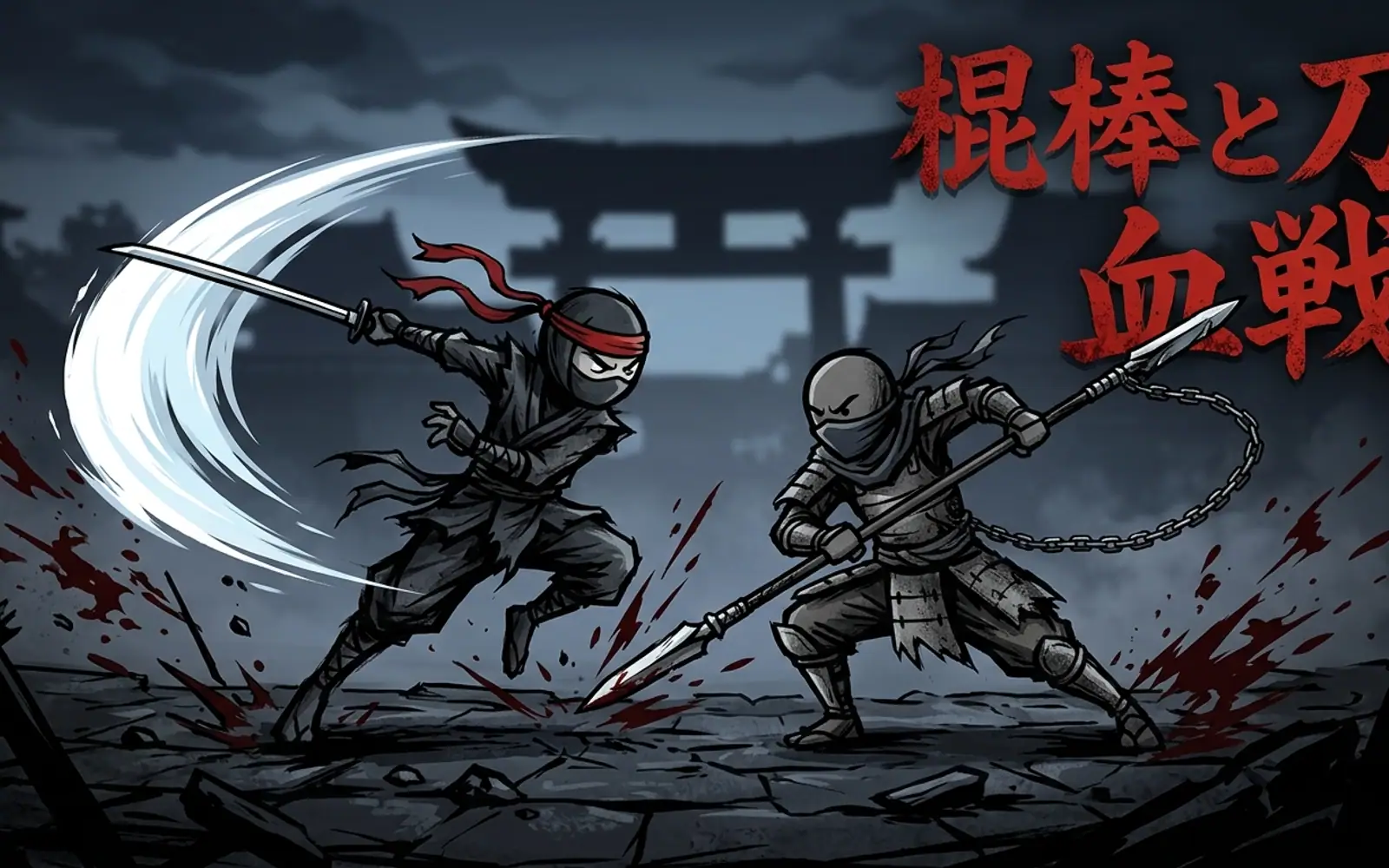
An idle stickman sword RPG you can also fight yourself. Your ivory swordsman runs at wave after wave of ink soldiers and cuts through them by himself, with real sword combos, and every soldier he beats falls like a body and drops gold. Touch the controls and he is yours: run, swing the full combo, jump, roll through a blow and guard, then let go and he fights on alone. Spend the gold on training (attack, health, speed, critical hits, gold), forge new blades from common iron to mythic steel, throw ink kunai and unlock four skills. Five waves, then a boss with thirty seconds on the clock. Ten stages make a world: a bamboo pass, red dunes, a frozen gate, a burning keep and a shrine in the void. Gold keeps coming in while you are gone.

Found inUnblockedChromebookFightingIdle

Free to play, no download, no sign-up. Hosted with โค by GamerX.

How to play Stickman Inkblade

Press Play and your swordsman runs into the first wave on his own: he attacks, chains his cuts and moves on to the next group without you. Take him over whenever you like. On a computer the arrow keys or A and D run, J or a click swings (press again in time and the cuts chain into a three-blow combo), the up arrow jumps, the down arrow rolls through a blow without a scratch, and K held raises a guard that takes most of a blow; raise it just before the blow lands and it parries, leaving the soldier reeling. On a phone a stick appears under your left thumb and the buttons on the right swing, guard, jump and roll. Let go for three seconds and he fights by himself again. Every soldier beaten drops gold. Spend it at the bottom of the screen: Blade adds attack, Vitality adds health, Swiftness speeds up his moves, Precision and Ferocity make critical hits more often and harder, and Fortune adds gold. Space, or a tap on the fight, throws ink kunai. The first skill is open from the start and the others open as you clear stages; with AUTO on he casts them himself while he fights alone. After five waves the boss arrives with thirty seconds on the clock. If the time runs out, train or forge a better blade and press Fight Boss to try again.

Tips

  • Buy Blade and Vitality first. Each doubles its gains every 25 levels, so the 25th, 50th and 75th levels are the big ones.
  • Swiftness speeds up the moves themselves, not only a number: at 30 levels every cut lands almost twice as fast.
  • The forge gets better with every stage you reach. Forge again after a new world: a blade forged at stage 30 is stronger than the same kind forged at stage 5.
  • A failed boss is not a wall. The waves keep paying while you farm them, and with "Fight the boss again by itself" on in the pause menu he retries on his own.
  • Shield bearers block most of a cut from the front until the shield breaks. Shadow Dash and Heaven Fall go straight through it, and so does rolling past a shield bearer and cutting him from behind.
  • Raise the guard just as a blow comes, not long before: a parry costs nothing and leaves the soldier open, while a guard held early only takes most of the blow.
  • A jump carries you over an ordinary soldier's head and over a boss's ground slam. Brutes and bosses are too tall to jump.

About Stickman Inkblade

Stickman Inkblade is GamerX's own idle RPG, drawn on a plain 2D canvas. What makes it different is how the fighters move. Their bodies are not keyframed by hand: every run, cut, stagger and fall comes from a library of professional motion-capture animation (Quaternius' Universal Animation Library, free to use), sampled from the side and drawn as a stickman, so a lunge carries the weight of a real one and the feet stay planted when he runs. Each blow lands at the moment the blade really crosses the soldier in that motion, measured from the animation itself rather than guessed. When a soldier falls, the pose and speed he had at that instant become a ragdoll: sixteen joints held together by the body's own lengths, knees and elbows that only bend the right way, the blow that threw him and the ground under him. Dropped swords stick in the earth when they come down point first. The rules run sixty steps a second, and a test player that plays for hours keeps the pace fair: the first boss falls inside a minute and the second world arrives within ten.


What you need

Graphics
2D canvas โ€” it will run on almost anything
Controls
Keyboard or touchscreen
On a phone
Yes
Install
Nothing. It runs in this tab.

Questions

Is Stickman Inkblade free?
Yes. It runs in your browser with nothing to install and no account. Your progress, gold and blades are saved in your browser.
Does it keep playing when I close the tab?
It pays you for the time away: when you come back, your swordsman's gold for up to eight hours is waiting, worked out from the stage you were on. The fight itself only plays while the tab is open.
Can I control the swordsman myself?
Yes. He fights by himself until you touch the controls, then he is yours: run, swing, jump, roll and guard. The box under his health says YOU while you have him and AUTO when he is on his own, and he goes back to fighting alone three seconds after you let go.
Can I play it on a phone?
Yes, held either way, with a stick for your left thumb and sword, guard, jump and roll buttons for your right. Sideways, the fight fills the screen with the training cards along the bottom; held upright, the fight is on top and the skills, training and the forge sit in a panel below it.
How do I beat a boss that keeps winning?
Train, forge, and use the skills. The waves still pay while you farm them, a better blade from the forge can double your attack, and Heaven Fall and Blade Storm do their best work on a boss. Press Fight Boss when you are ready.
Can I play Stickman Inkblade on a Chromebook, at school, or on a phone?
Yes on a Chromebook. Stickman Inkblade draws to a plain 2D canvas, so it runs on just about anything with a browser. On a school or office network there is nothing here for a filter to object to on the usual grounds: no download, no installer, no browser plugin, no account, no chat and no user-generated content. Whether your particular filter lets it through is its decision and not something any site can promise. It plays on a phone with touch controls, and it is built wide - turning the phone sideways gives it the shape it was designed for. A keyboard works too.

If you liked this

Controls

  • โ†โ†’ADRun (he fights by himself again 3 seconds after you let go)
  • JZSwing the sword, or click the fight; press again in time for the next cut
  • โ†‘Wโ†“SJump, and roll through a blow
  • KXGuard while held (or the right mouse button); just before a blow it parries
  • SpaceThrow an ink kunai
  • 1234Skills
  • QSkills cast themselves (AUTO), on and off
  • BFight the boss again
  • TFTraining and the forge
  • PEscPause
  • MSound on and off
  • StickDrag the stick on the left to run
  • Sword buttonSwing; the shield guards, the arrows jump and roll
  • TapTap the fight to throw an ink kunai