LOADING
warming up The Ashen Gate…
💡 click the game once so it hears your keyboard
👆 tap the game to start, then use the on-screen controls
warming up The Ashen Gate…
💡 click the game once so it hears your keyboard
👆 tap the game to start, then use the on-screen controls
Action RPG
Rest at the ember, and the fallen rise again.
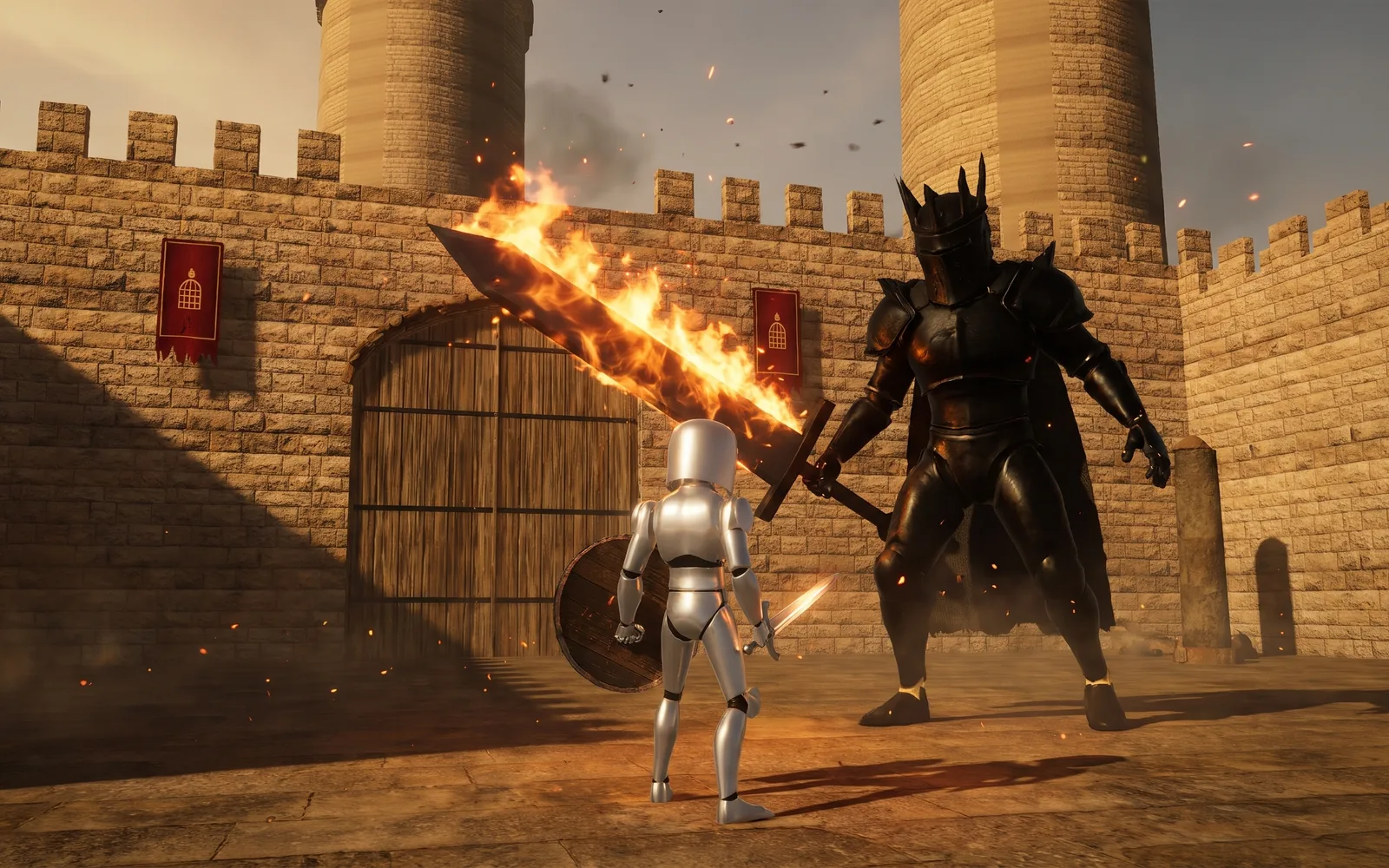
A knight wakes at an ember altar outside a ruined castle, with a sword, a charred shield and three flasks. Between him and the great door stand the Outer Ward, the battlements and the Inner Ward, held by hollows, halberd-armed watchmen and a brute with a maul, and past the mist on the Warden's Bridge, the Gatewarden himself. Every swing, roll and blocked blow spends stamina, so the fight is about timing: roll through a blow and it cannot touch you, raise the shield only while you have the strength to hold it, and strike when the enemy is still recovering. Resting at an altar heals you and refills your flasks, but it raises everything you killed. Die and your embers stay where you fell, until you reach them or die again on the way.
Read moreWhy School Filters Block Horror Games — 3 to Try
Free to play, no download, no sign-up. Hosted with ❤ by GamerX.
Move with WASD and look with the mouse. Left click strikes and F swings a heavy blow, right click raises your shield, a tap of Space rolls and holding it runs, R drinks a flask, E rests at an altar or picks something up, and Q locks on to the nearest foe. Every swing, roll and blocked blow spends stamina, and the bar refills after a short pause, so a fight is a rhythm of striking, backing off and letting it recover. Work through the Outer Ward, the battlements and the Inner Ward to the bridge, pass through the mist, and bring down the Gatewarden to open the great door.
The Ashen Gate is a third-person castle crawl in the stamina-and-timing tradition: one ruined castle, a short list of enemies and a fight that rewards patience over button mashing. It was built in three.js from frame-by-frame study of a gameplay capture, with the rules running at a fixed sixty steps a second and kept apart from the drawing, so a bot can play the whole game without a browser. That bot is the balance test: careful play must reach the great door, and a player who only swings must lose to the Warden. Every enemy attack is checked to give at least 0.45 seconds of warning, which is what makes a death feel like your own mistake rather than the game cheating. The Gatewarden breaks his oath at half health, his joints catching fire as he adds a leap and a charge, so the last fight changes shape just as you have learned it.
Browse more