Not every browser game needs a keyboard next to it. A good chunk of the arcade runs entirely on tap, drag, and release, which makes them a genuinely good fit for a laptop on your lap with no mouse in sight. Here are six that work great on a trackpad alone.
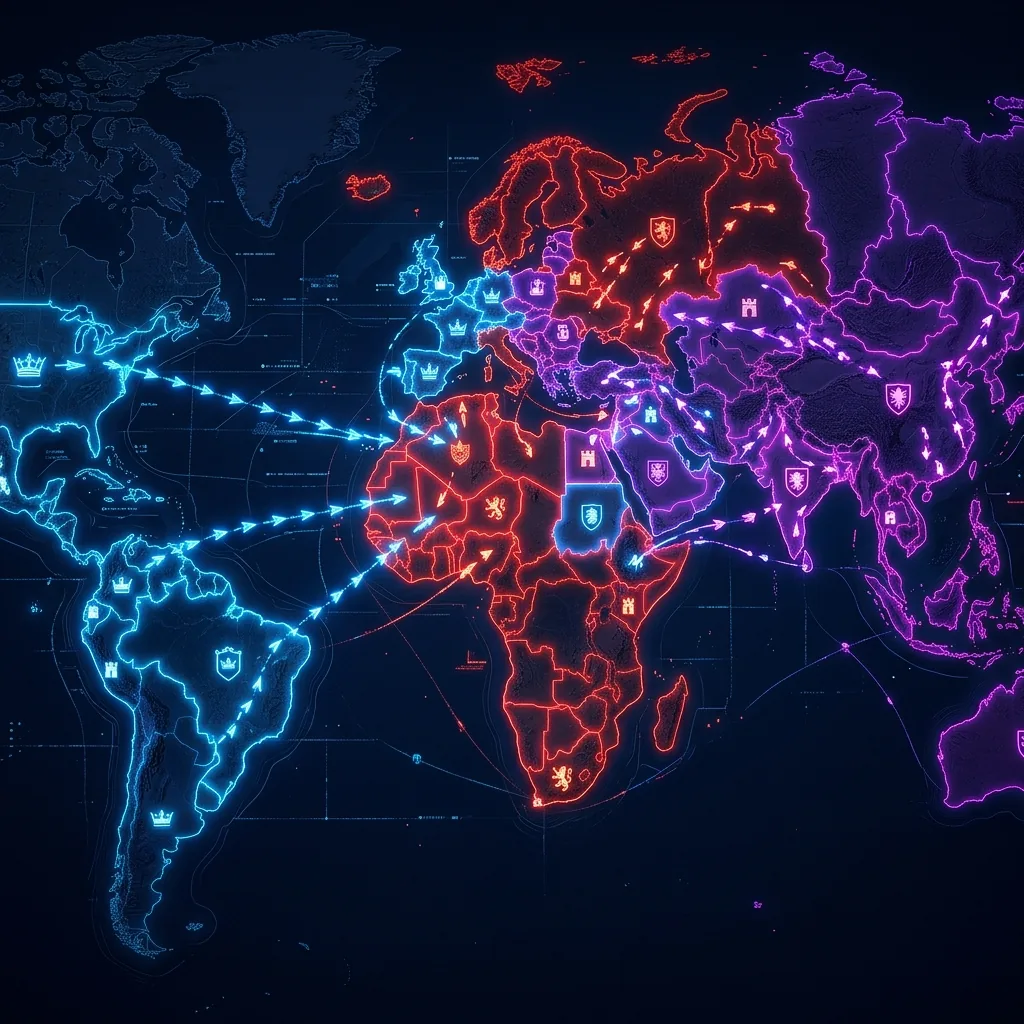
Turf Rush: tap, tap, done
The whole game is two taps: tap a region you own, tap the region you want next. No dragging, no timing, no keyboard at all. Our full Turf Rush guide covers the strategy once you have the controls down.
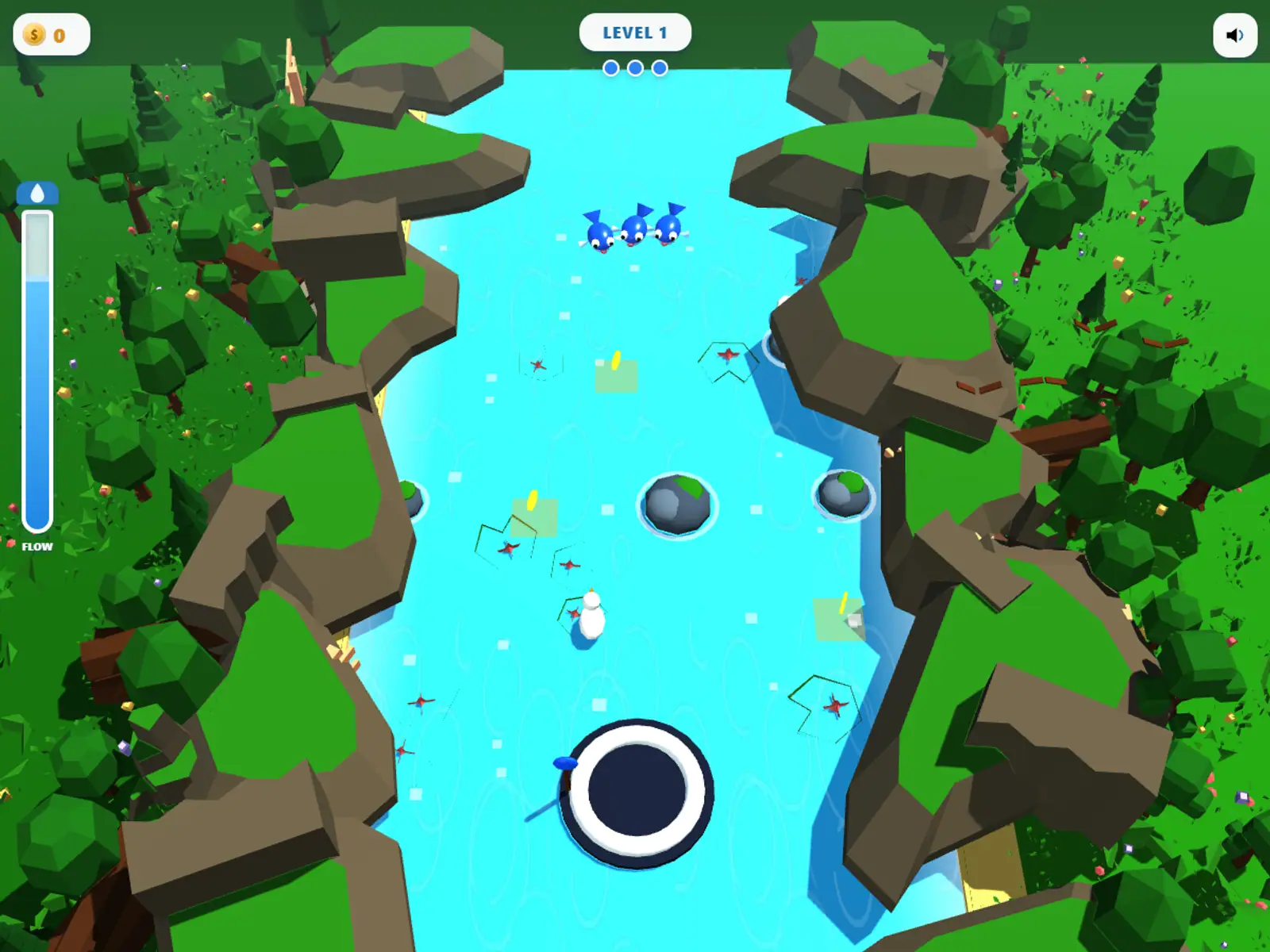
Draw Current: click, drag, let go
Click and hold on the fish, drag a path through the current, and release to send it home. The whole game is one continuous gesture, which is about as trackpad-friendly as a game gets.
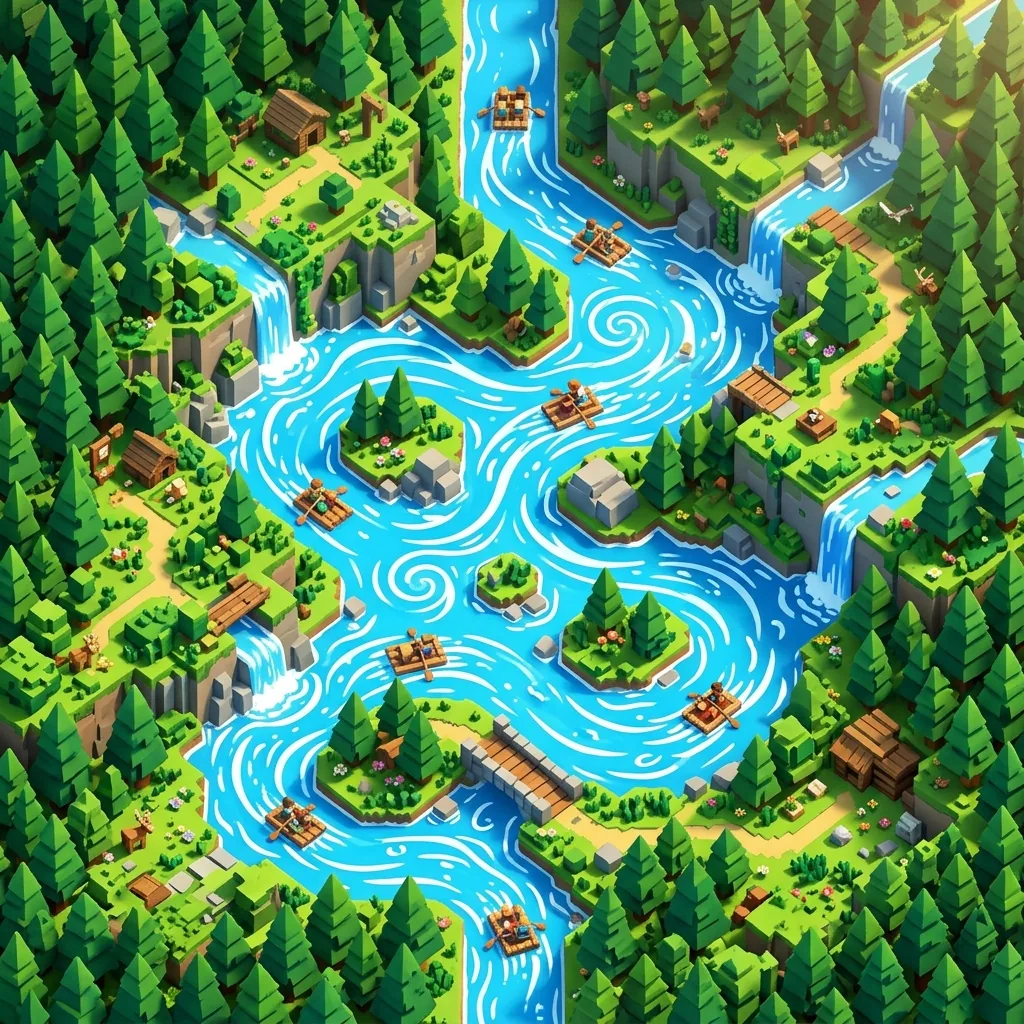
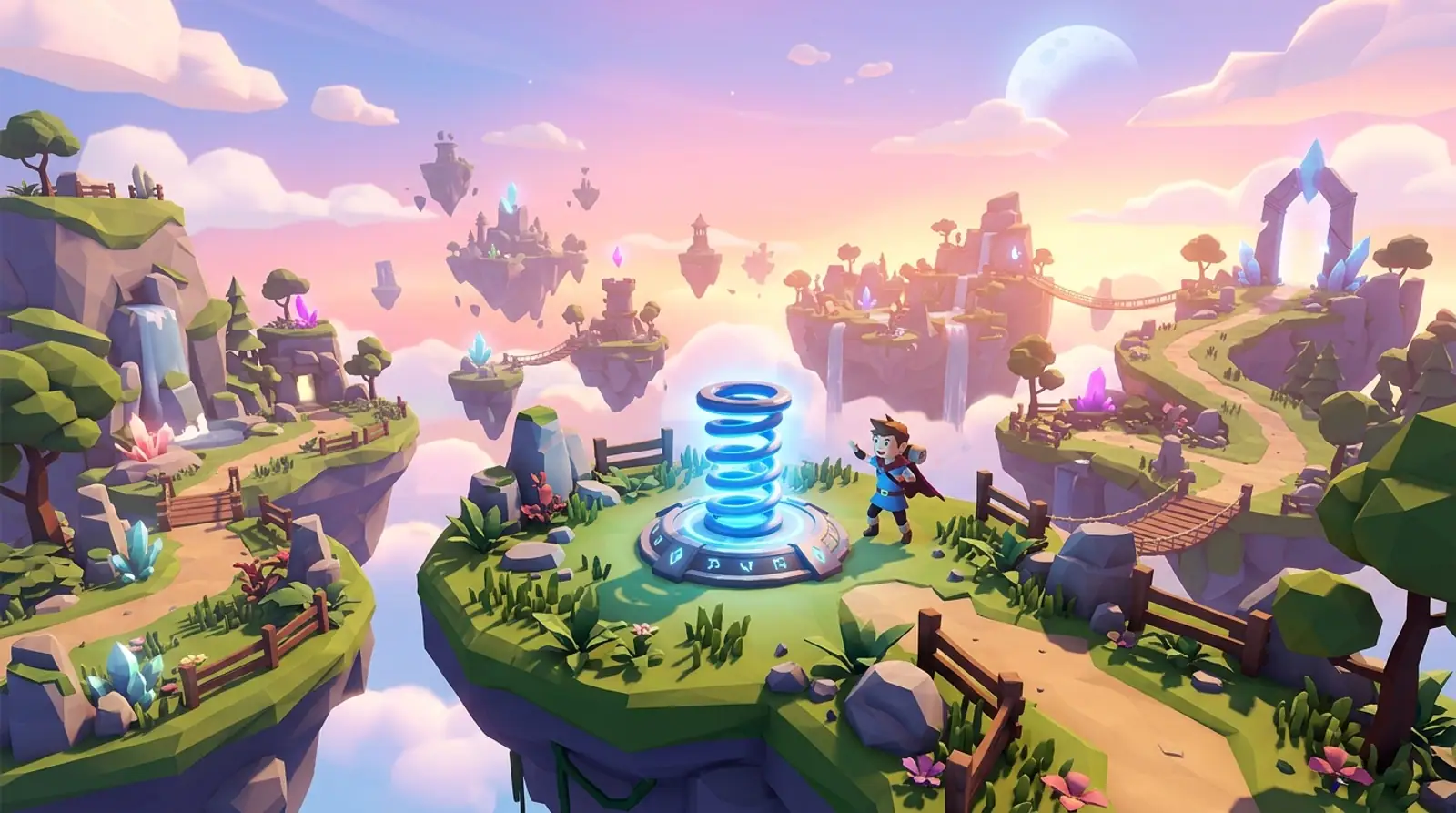
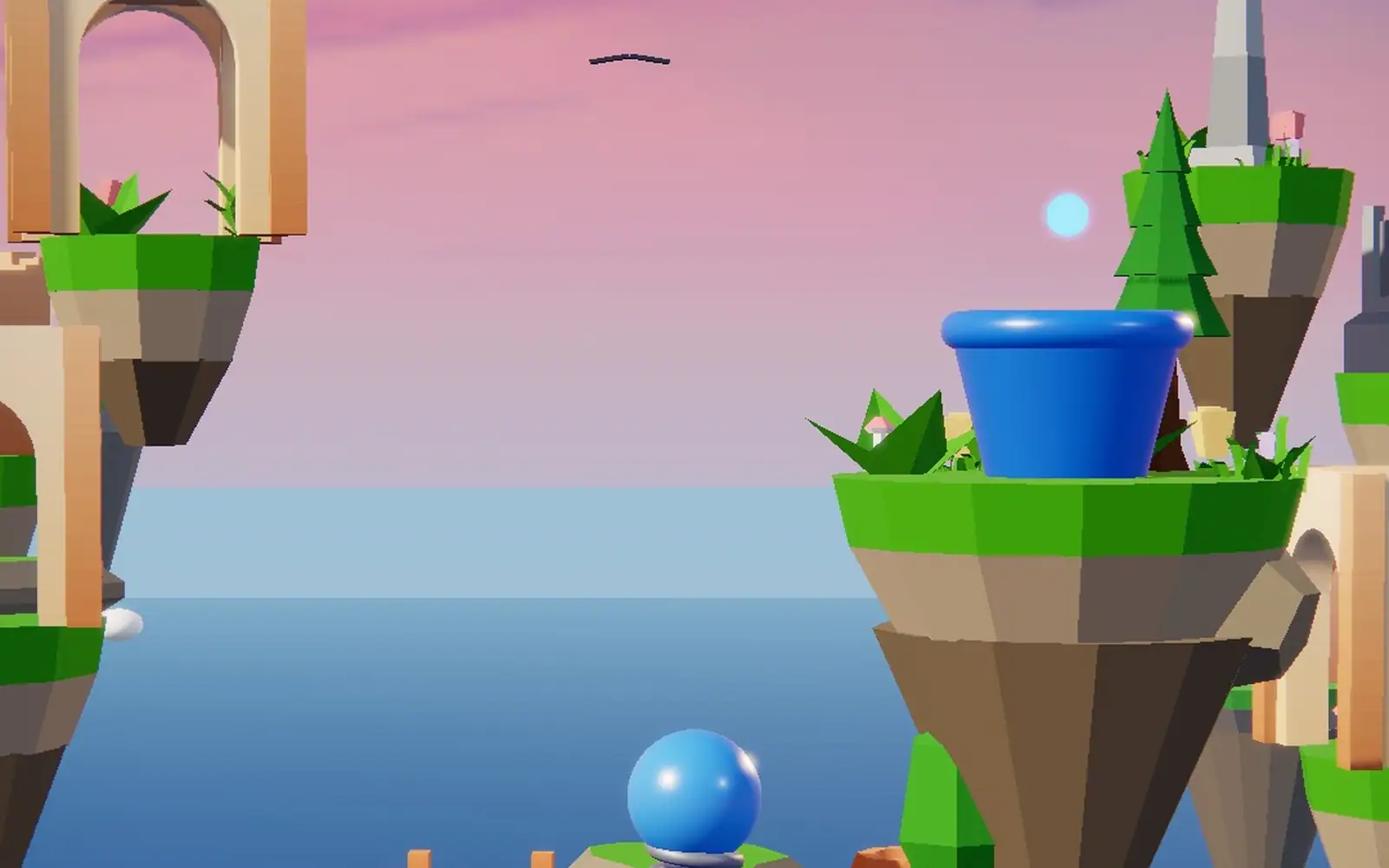
Spring Shot, Snap Route, and Fold Home
All three use the same basic gesture in different shapes. Spring Shot has you pull the launcher back and release along an arc. Snap Route has you drag a road toward the goal and let it snap taut. Fold Home just needs a tap the instant a panel lines up. None of them ask for a keyboard, and none of them need mouse precision, a light drag with one finger is all it takes.
Shadow Walk: one drag moves everything
You are steering a spotlight, not a character. Drag it around the screen to cast shadows in the right places, then a stickman walks through the path you built. It is slow, quiet, and entirely drag-based from start to finish.
- Turf Rush: tap your region, tap a neighbor.
- Draw Current: click, drag, release.
- Spring Shot: drag back, release to fire.
- Snap Route: drag the road, release to snap it.
- Fold Home: tap when the panel lines up.
- Shadow Walk: drag the spotlight, nothing else.
For everything else in the arcade, sorted by mood instead of control scheme, our full guide has the rest.
Try them trackpad-only