A Chromebook is not a slow computer. It is a computer with no dedicated graphics card, often four gigabytes of memory, and usually a connection it is sharing with a few hundred other people. Games fail on it for two reasons, and neither is speed: they want an install it cannot do, or they want a GPU it does not have.
Why most "Chromebook games" lists do not help
Most of them are Android app lists. That works if your Chromebook has the Play Store enabled and you are allowed to install things, which on a school-managed device you usually are not. The rest are browser game portals that load eight megabytes of advertising before the game starts, which is the actual reason the page feels broken on shared wifi.
The useful question is not "is this game good" but "what does this page weigh and what does it need from the graphics chip". Those are measurable, so we measured them.
What we actually measured
Every game in the catalogue was opened in a real browser and the bytes it pulled down were recorded, rather than estimated from file sizes on disk. The median is 0.4 MB. Most are under a megabyte. The heaviest thing in the whole catalogue is 7.7 MB — smaller than one photograph off a modern phone.
The lightest ones to start with
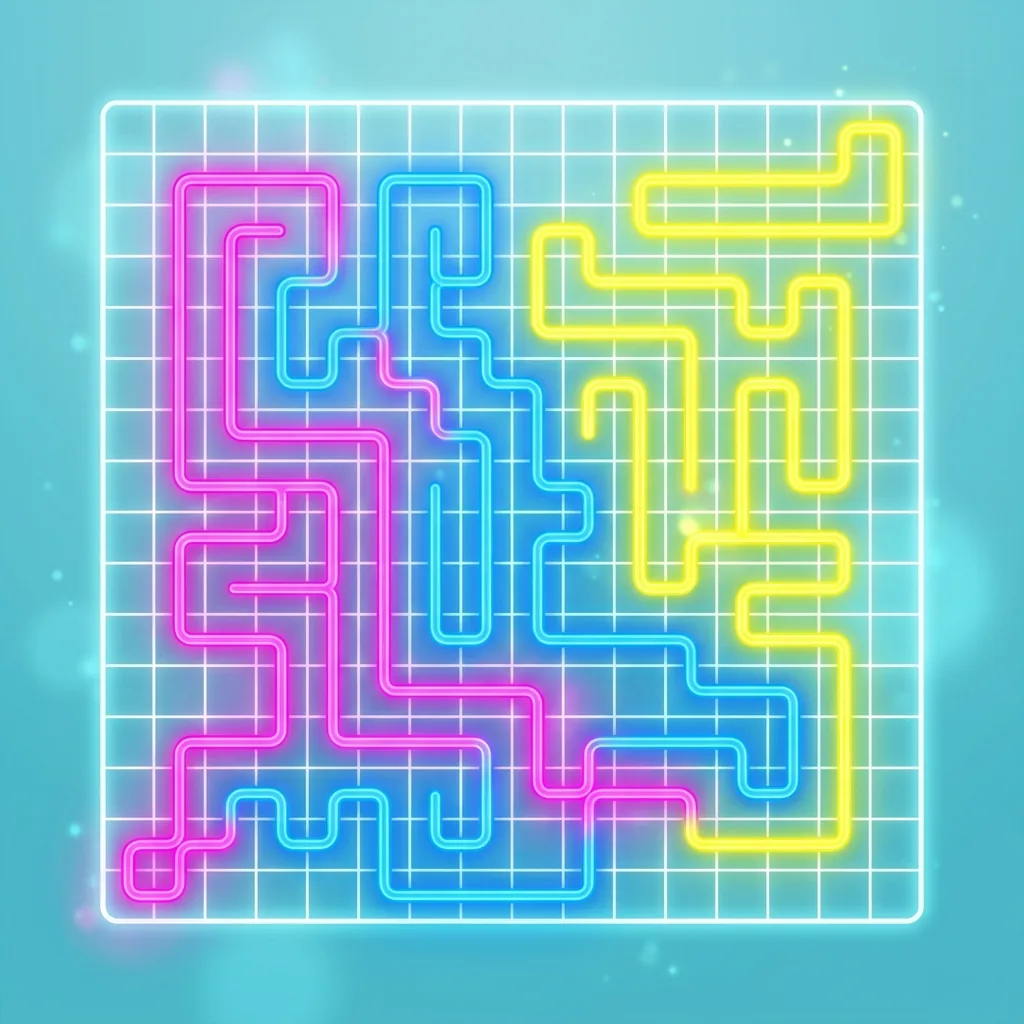
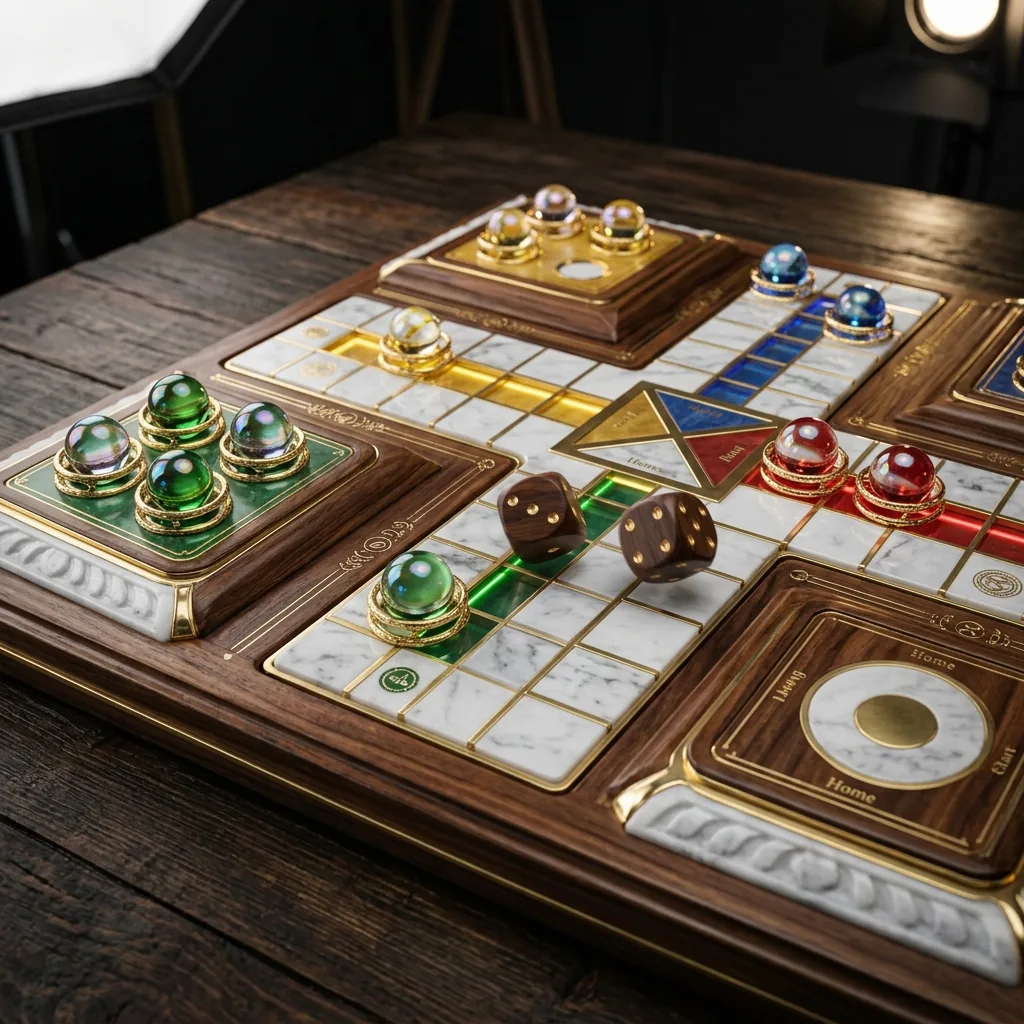
Tilt Sort, Arrow Escape and Fold Home barely touch the graphics chip at all — they are puzzles with simple geometry and no particle work, and they will run on the oldest Chromebook you can find. Chess 3D and Ludo Legends are the same: a board game should not need a graphics card.

The ones worth the extra megabyte
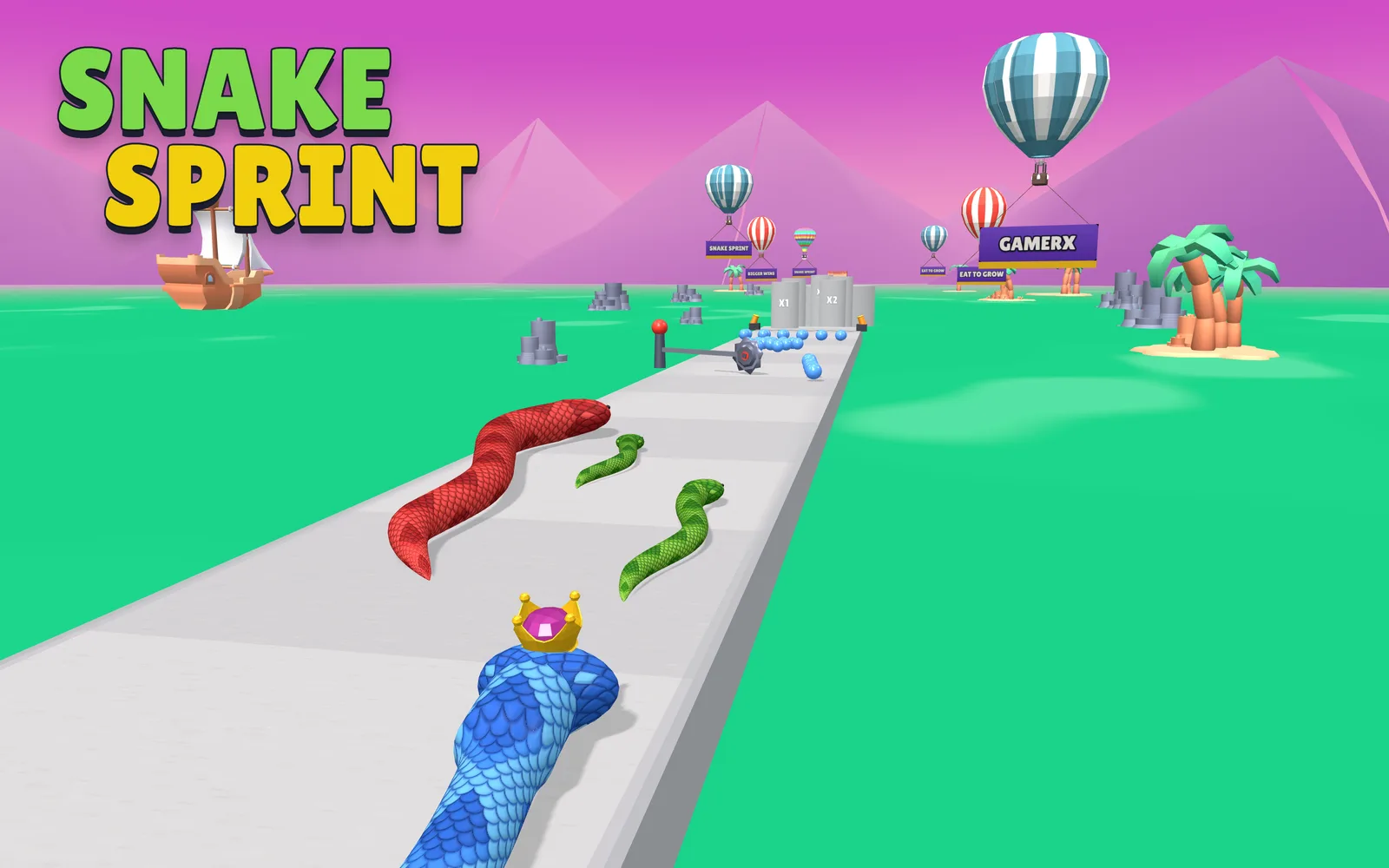
Snake Sprint is the stickiest game on the site by measured session length and still well under the budget. Current Swim and Sliding Wave are full 3D and still light, because they reuse the shared engine rather than shipping their own.
If a game runs badly, try this first
Close your other tabs. Every open tab with a 3D scene in it is competing for the same integrated graphics, and on a Chromebook that is an immediate and measurable cost rather than a theoretical one. It fixes more stutter than any setting you could change.
The full list, sorted lightest first, is on the Chromebook games shelf. If you are on a school network specifically, the unblocked games page explains what a filter does and does not object to here.