Keyboard racing gets an unfair reputation. On, off, nothing in between, so how could it possibly feel good? In practice, every racing game in our arcade was designed around a keyboard first, and each one has a specific system that rewards knowing exactly what a key does instead of just holding it down.
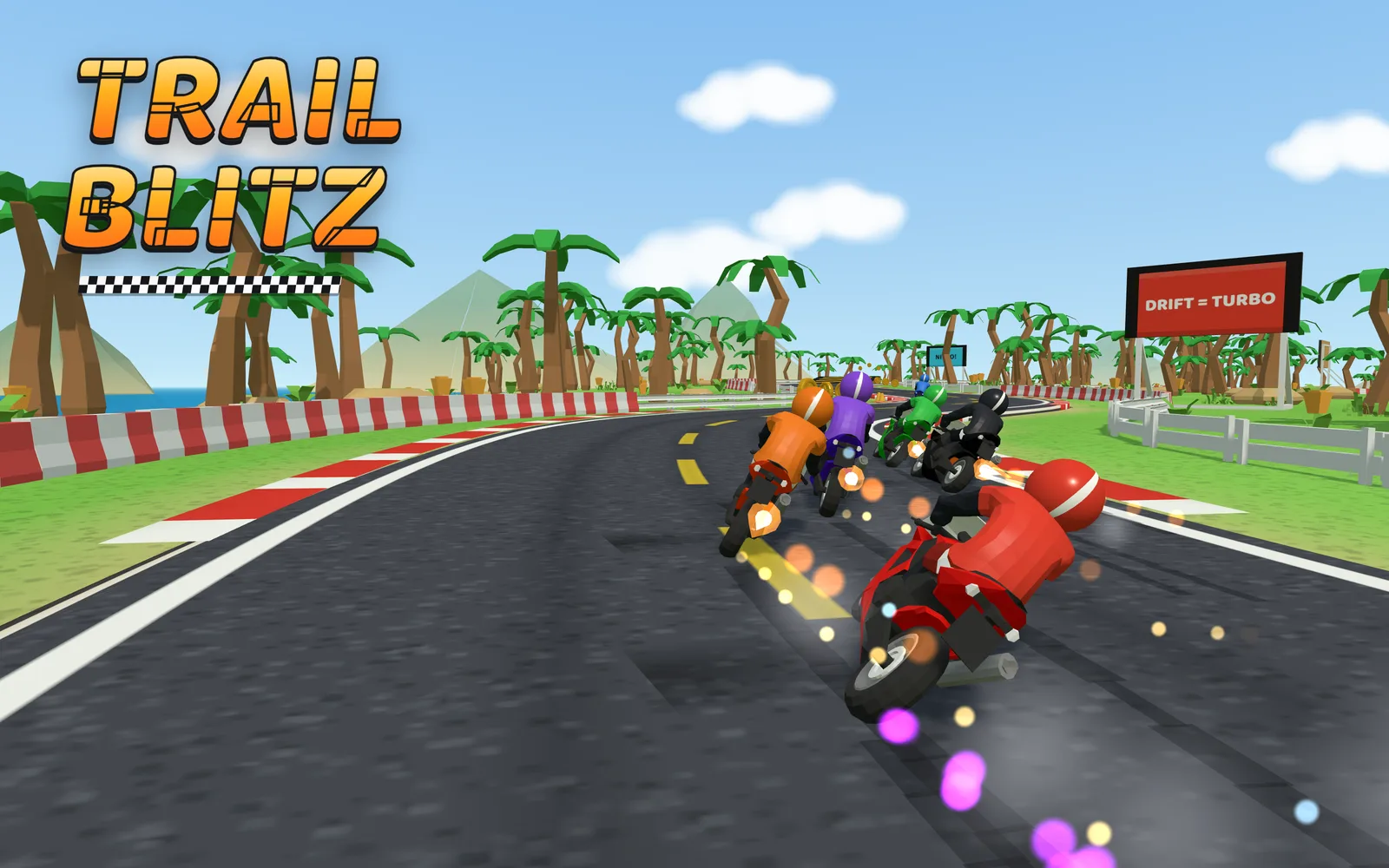
Trail Blitz: the drift boost is not decorative
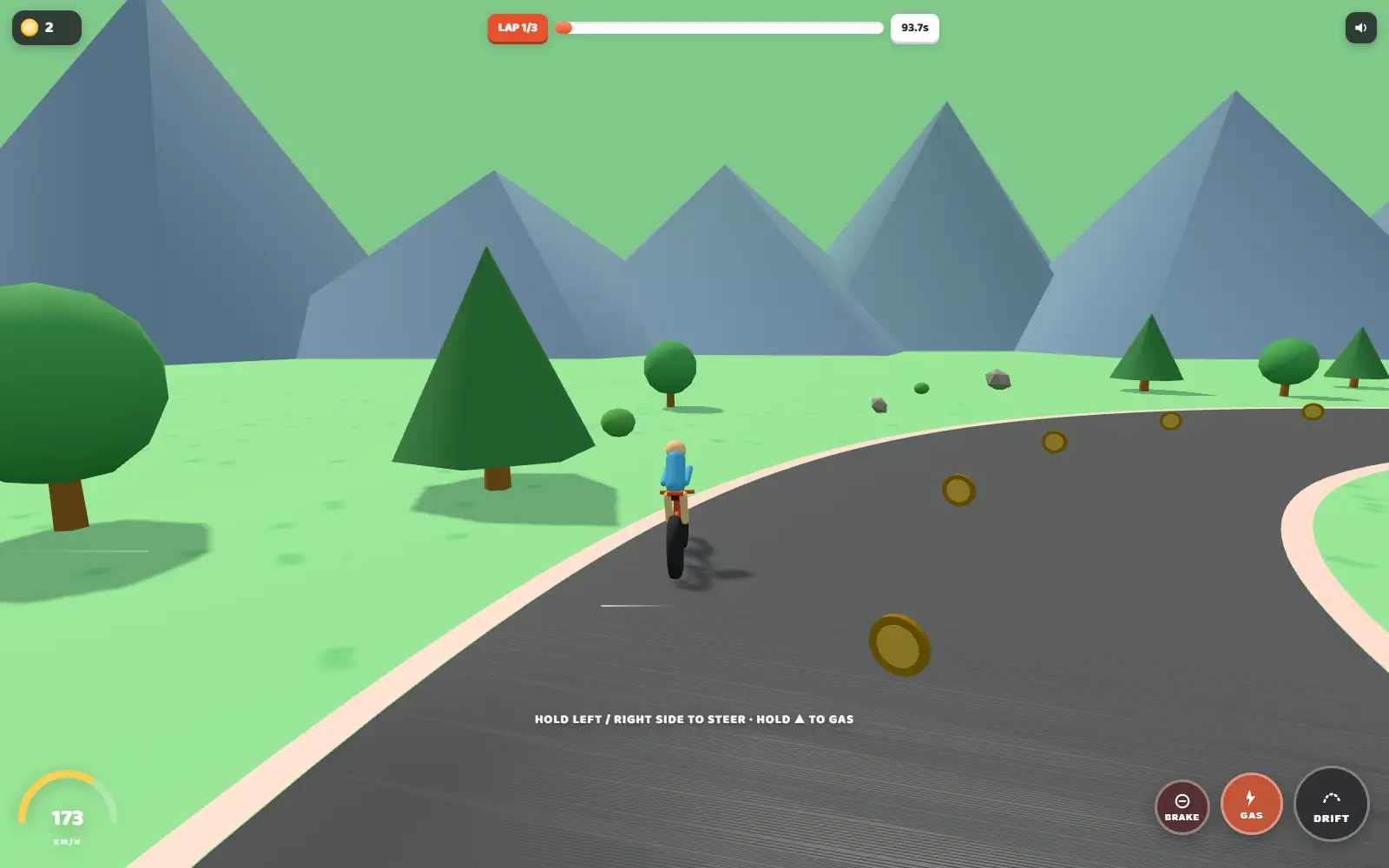
In Trail Blitz, Space is doing real work. Hold it through a corner and you get a genuine speed boost coming out the other side, not just a visual slide. The habit worth building: tap it right as you enter the turn, not halfway through, so the boost is already building while you are still on the racing line. And do not ignore the brake (S). Standing on it into a tight hairpin actually slows the bike down, which means you can carry more speed into the corner before you need it, instead of scrubbing speed the whole way through.
- A / D: steer
- W / ↑: gas, pushes past your cruising speed
- S / ↓: brake, genuinely slows the bike
- Space: drift, hold through a turn for a real boost
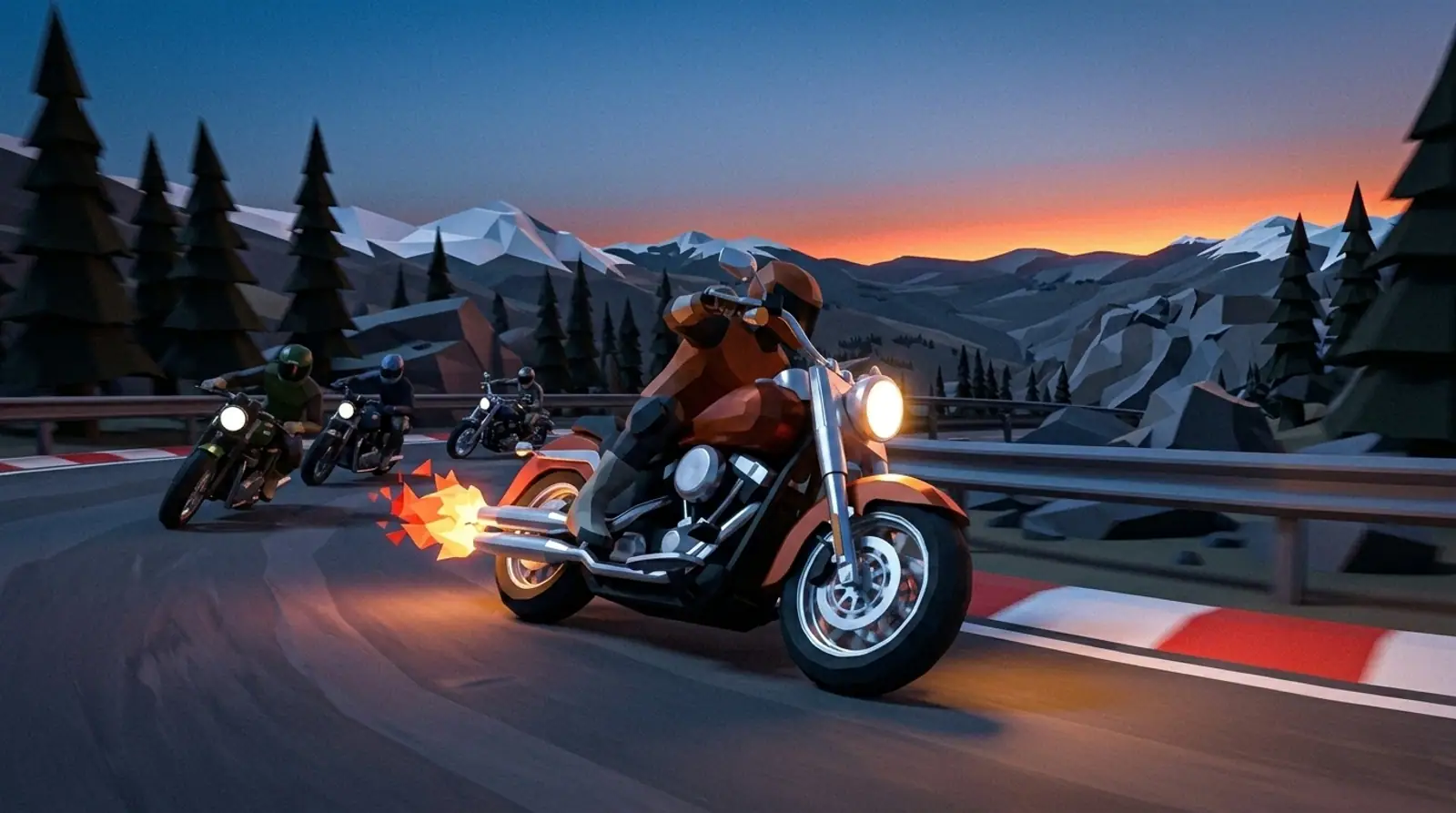
Moto Titans: the brake is a decision, not a panic button
In Moto Titans, most new players hold the throttle and then grab the brake the moment a corner looks tight. That is the one input the physics will not forgive. Lean here is a state the bike is already in, so braking hard mid-corner while leaned over is how you find the lowside. Brake in a straight line before you turn in, then feed the throttle back on as the bike stands up.
- W / ↑: thrust
- A / D: steer
- Q / E: air-brake and tilt, use this in every sharp turn
- Space: start or confirm
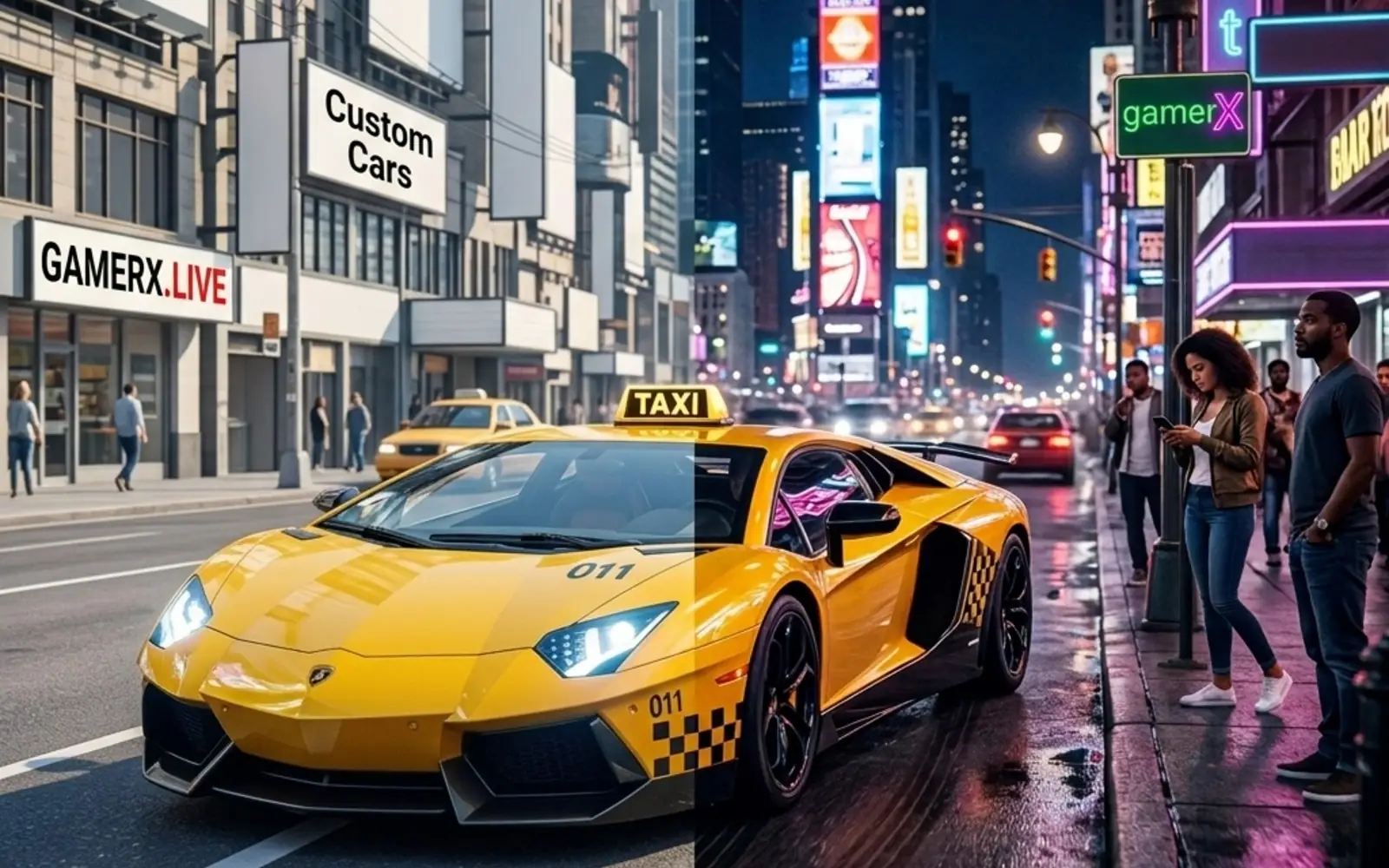
Fare City: the handbrake is for parking, not for corners
In Fare City, Space steps the rear out, which looks great and costs you money. The passenger in the back is rating your driving, and throwing them around a corner is more expensive than simply being slow. Save the handbrake for lining the car up with the kerb at a drop-off, because stopping too far away means they just stand there while the meter runs.
- W / ↑: accelerate
- S / ↓: brake or reverse
- A / D: steer
- Space: handbrake drift
- R: reset the car
- C: change camera
For the fuller picture of how these three actually compare, see our racing games ranking, or head straight to the browser racing games shelf.
Try the controls yourself