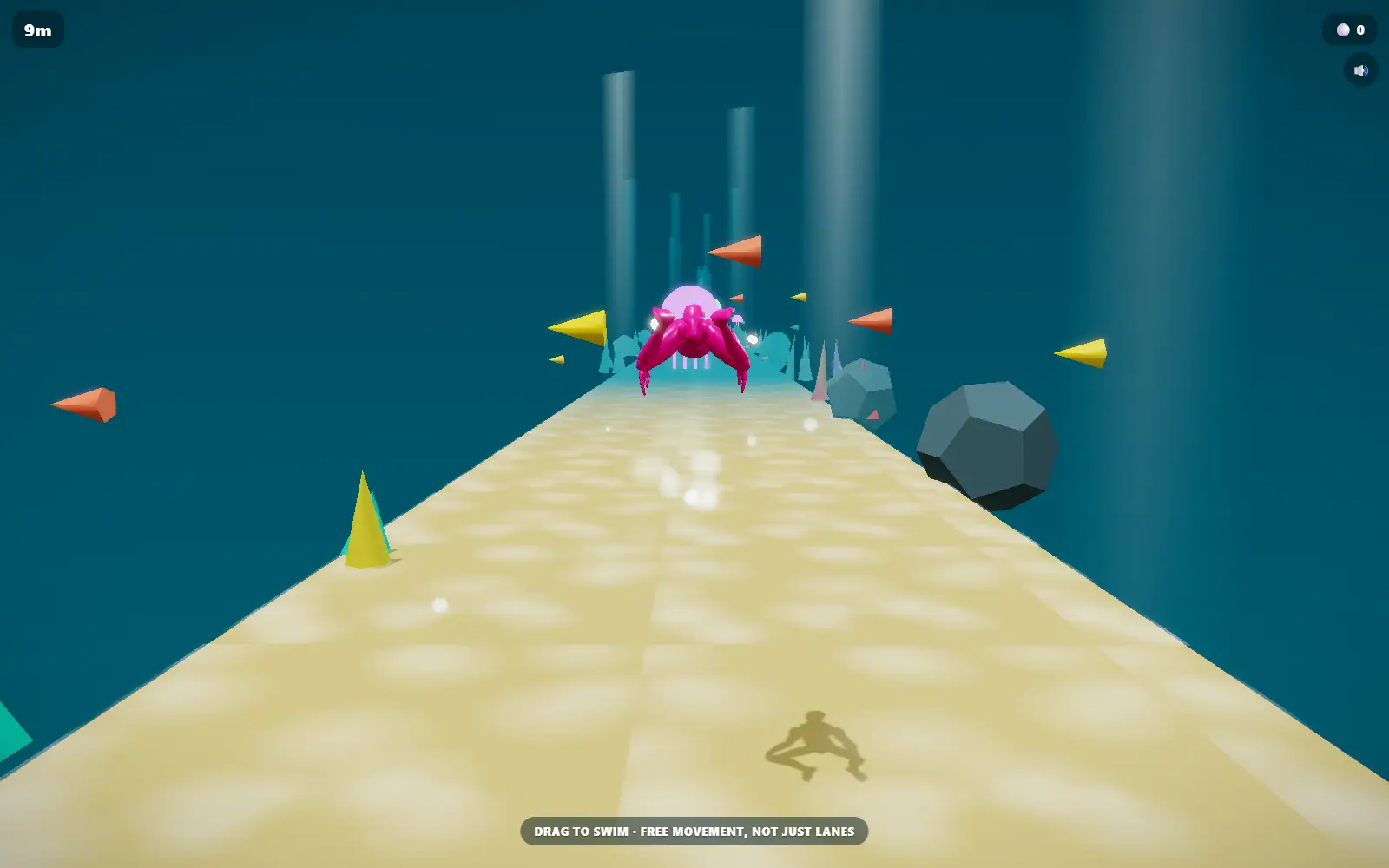
"Accessible game" gets used as one catch-all label, but it is really shorthand for several unrelated requirements. A game that works fine with one hand might still be unreadable if you are colorblind. A game with clean colorblind-safe design might still lean hard on audio cues you will miss with the sound off. They are three different problems, and a game has to solve each one on purpose, not by accident. Here is what we found looking across the arcade for each one.
One-handed: no simultaneous inputs, no timing combos
A genuinely one-handed game needs a single continuous input, a drag, a hold, or a tap, and nothing that requires two keys pressed at once or a hand jumping between mouse and keyboard mid-move. A few games in the arcade are built entirely around exactly one input gesture:
- Sliding Wave: the entire game is hold to climb, release to dive. One finger, one mouse button, nothing else.
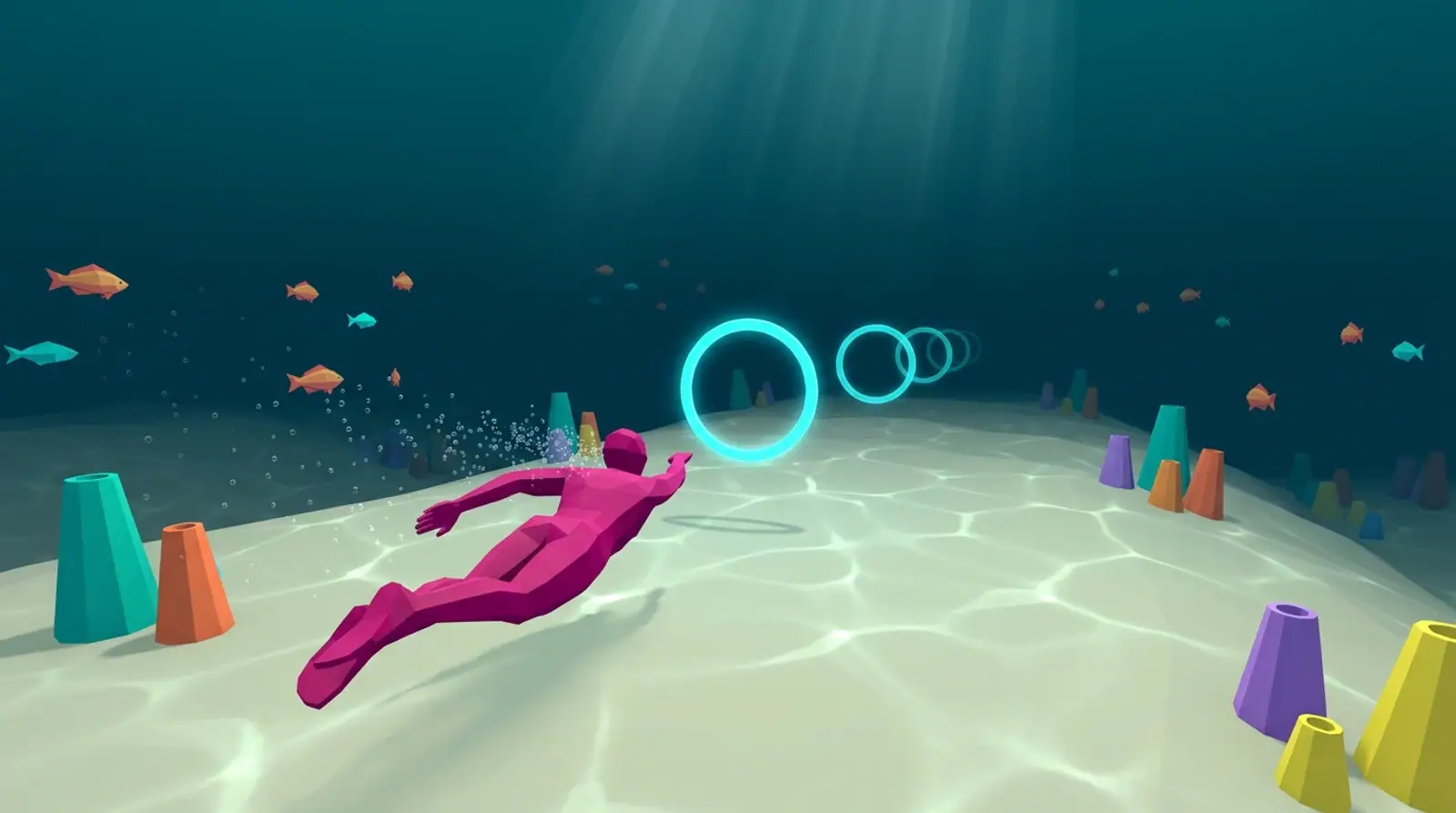
- Current Swim: a single drag steers the swimmer in any direction at once, no separate keys for up, down, left, and right stacked on top of each other.
- Spring Shot: pull back with one drag, release. The whole interaction is a single gesture from start to finish.
- Fold Home: a single tap, timed against a visual cue. No modifier keys, no combos.
Colorblind-safe: color as a bonus, never the only signal
The honest bar for colorblind-safe design is not "uses nice colors," it is "still makes complete sense with the color removed." A couple of mechanics in the arcade clear that bar, and one worth naming does not, on purpose, because that distinction is the whole point of this section:
- Crowd Stampede's gates are stamped with actual math symbols, +, minus, times, and divide, not just colored green or red. You can play the entire game correctly on the symbol alone, with color as a bonus, never a requirement.
- Tilt Sort leans on color more directly, sorting balls by matching them to a colored bucket, so if color matching is genuinely difficult for you, this is one to approach carefully rather than one we can call colorblind-safe outright.
We are being specific on purpose here: a game either encodes its rule in shape, symbol, or position as well as color, or it does not, and it is worth knowing which is which before you rely on it.
Sound-optional: every cue also happens on screen
Most of the arcade already clears this bar by default, since these are browser games meant to be played in shared or quiet spaces, but it is worth naming outright: does the game ever tell you something happened only through a sound, with no matching visual? Across the games above, the answer is no. Distance counters, hearts, coin totals, and hit feedback all show up on screen the same way whether your speakers are on or off. None of them gate a decision behind an audio cue with no visual twin.
None of this is the arcade being marketed as an accessibility product, it mostly comes down to which control schemes and mechanics happen to hold up under a real constraint. The games above do. Worth knowing before you assume a browser game needs two hands and full color vision to make sense.
Built for one input at a time